
Blog
A Comprehensive Guide to 3D Printing Model Websites
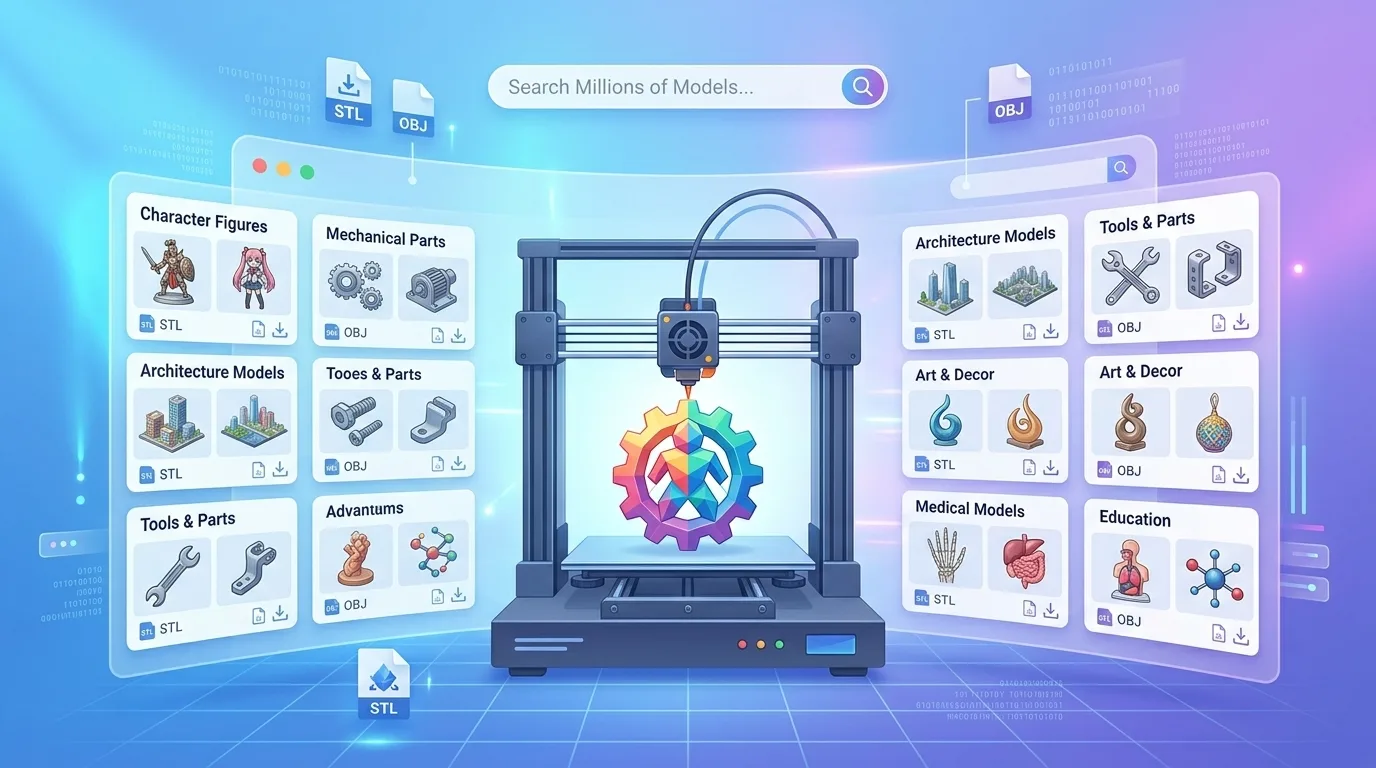
Explore the best 3D printing model websites, file formats, licensing tips, and platforms like Thingiverse, Printables, MakerWorld, and Cults3D.
正文:
1. An Overview of 3D Printing Model Websites: From Free Resources to Professional Model Libraries
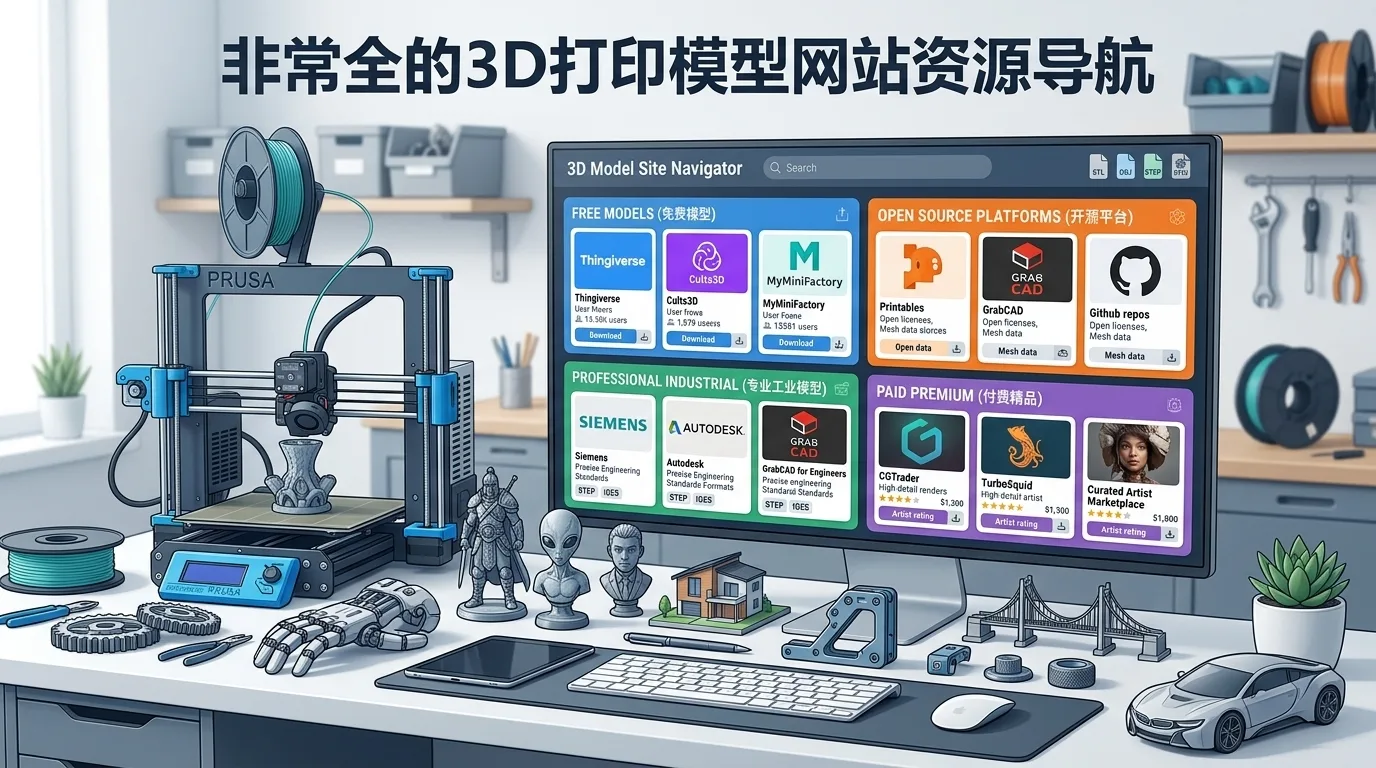
If you are just getting started with 3D printing, the most common question is usually not “How do I use the printer?” but “Where do I find models?” A good 3D printing model website can largely determine your printing experience: it helps you quickly find printable files, view real-world print results from other users, download formats compatible with your machine, and even import files directly into slicing software for printing.
Common 3D printing model websites can generally be divided into several categories:
- General model communities: Examples include Thingiverse, Printables, and MakerWorld, covering a wide range of categories such as tools, toys, home items, storage, mechanical structures, decorative objects, and more.
- Designer platforms: Cults3D, for example, offers both free and paid models, with a stronger focus on original design and commercial licensing.
- Professional model libraries: Some websites serve engineering, industrial design, architecture, character modeling, and other professional use cases. These models tend to be highly accurate but often require more software knowledge and printing experience.
- Brand ecosystem platforms: MakerWorld, for example, is especially suitable for Bambu Lab users, tightly integrating models, slicing profiles, filament settings, and printer ecosystems.
- Open-source sharing communities: Many models use open-source licenses such as Creative Commons, making them suitable for learning, modification, and remixing.
For most users, the most practical approach is not to rely on just one website, but to build your own “model source mix.” For example, if you want free everyday functional prints, start with Printables and Thingiverse; if you use a Bambu Lab printer, MakerWorld should be a priority; if you want more stylish decorations, figurines, and display pieces, Cults3D is worth browsing; if you need mechanical structures or engineering parts, platforms that support STEP, 3MF, or parametric design files are usually better choices.
It is important to remember that models on 3D printing websites are not always “download and print perfectly” files. The same model can produce very different results depending on the printer, filament, layer height, and support settings. Therefore, besides the model itself, the comment section, real print photos, slicing suggestions, successful print records, and how frequently the author updates the design are all important factors when deciding whether a model is worth downloading.
---
2. Key Criteria for Choosing a 3D Printing Model Website: Formats, Licensing, Quality, and Printability
When choosing a 3D printing model website, you should not only look at how many models it has, but also whether those models are actually suitable for printing. Some websites have huge collections, but model quality can vary significantly. Some models are made only for rendering or visual display and have not been optimized for 3D printing. The following criteria are especially important.
First, consider whether the file formats are suitable for 3D printing. Common 3D printing model formats include STL, 3MF, OBJ, and STEP. For most consumer FDM printers, STL and 3MF are the most common; for engineering parts or models that require later modification, STEP files are more valuable; if a model includes color, texture, or complex surface information, OBJ may be more common.
Second, check whether the license is clear. Many users modify, share, or even use downloaded models for small-batch sales. In these cases, licensing matters. Some models are for personal use only and cannot be used commercially; some allow modifications but require attribution; some prohibit redistribution. If you are only printing for personal use, restrictions are usually less of a concern. But if you plan to run a shop, take commissions, or sell printed products, you should prioritize websites and models with clear licensing terms.
Third, evaluate the model quality. High-quality models usually have the following characteristics:
- The mesh is complete, with no obvious holes, overlapping faces, or non-manifold geometry;
- The model dimensions are reasonable and do not require repeated scaling tests;
- The details match the printer’s capabilities, avoiding overly thin, fragile, or heavily overhanging structures;
- The author provides print setting recommendations, such as layer height, infill, support type, and filament type;
- The comment section includes real print photos uploaded by users.
Fourth, consider printability. A model may look beautiful but still be difficult to print. Well-designed 3D printable models usually take print orientation, support requirements, part separation, and assembly tolerances into account. For example, a large model that is properly split into multiple parts is easier to print on a standard desktop printer; a mechanical structure with appropriate clearances is more likely to assemble successfully after printing.
Finally, look at the platform experience. Good model websites usually provide clear categories, search filters, download statistics, favorites, author profiles, related model recommendations, and community interaction. For beginners, information such as “successfully printed,” “recommended slicing settings,” or “compatible with a specific printer model” can greatly reduce the chance of failed prints.
---
3. Common 3D Model File Formats Explained: STL, 3MF, OBJ, and STEP
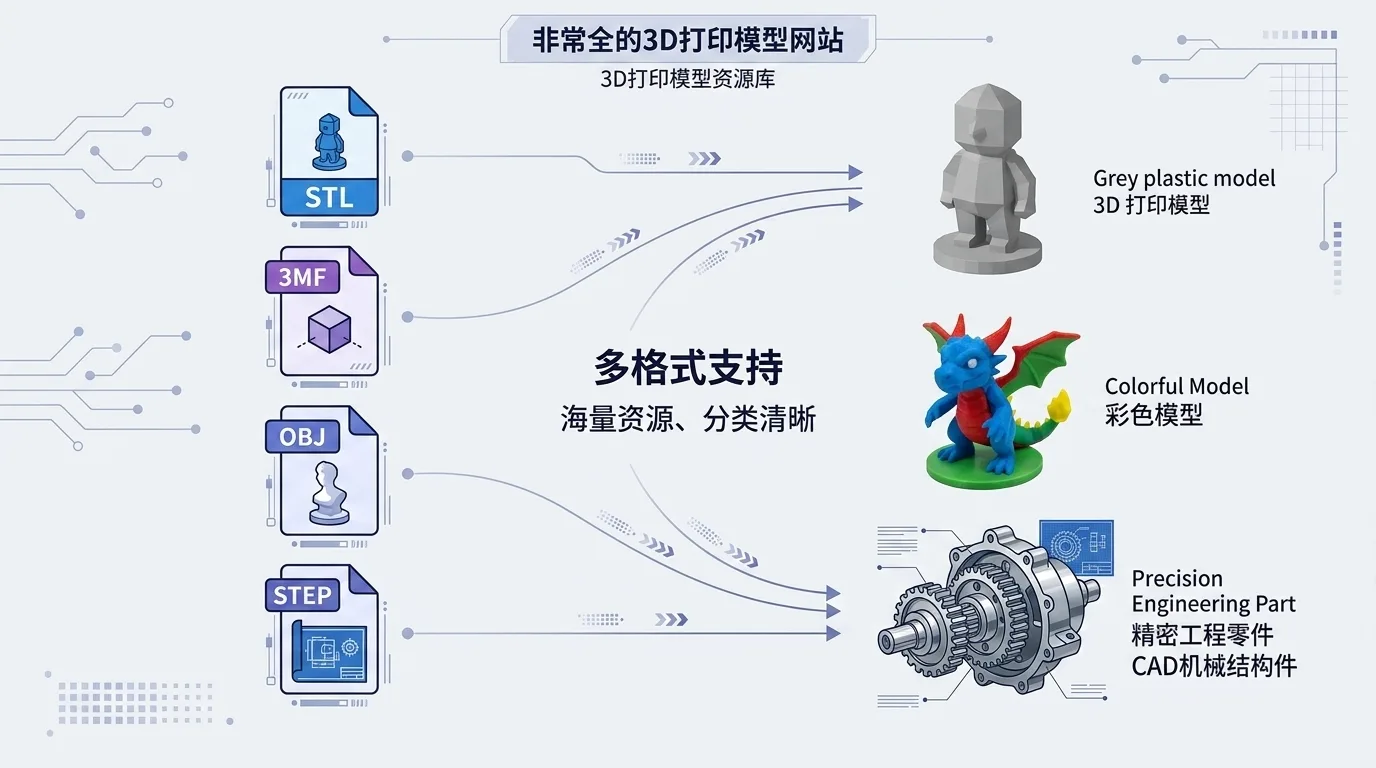
When downloading 3D printing models, you will often see different file formats. Understanding their characteristics helps you decide whether a model fits your printing needs.
STL is the most common 3D printing file format. It describes the surface of a model using triangular facets and has extremely high compatibility. Almost all slicing software supports it. The advantages of STL are simplicity, universality, and relatively manageable file sizes. Its disadvantages are that it cannot store color, material, assembly structure, or other complex information, and it is not ideal for precise editing later. For ordinary decorative objects, tools, storage boxes, brackets, and similar models, STL remains the most widely used format.
3MF can be understood as a more modern 3D printing format. It can store not only model geometry, but also units, colors, materials, print settings, and the spatial relationships between multiple parts. More and more platforms and slicers now support 3MF, especially for multicolor printing, combined models, and preset slicing profiles. For users of Bambu Studio, PrusaSlicer, OrcaSlicer, and similar software, 3MF is often more convenient than STL.
OBJ is common in artistic models, character models, game assets, and scanned models. It can be paired with material and texture files, making it suitable for displaying colors and surface details. However, in actual 3D printing, OBJ is not necessarily better than STL, because texture information usually cannot be directly reproduced by a typical single-color FDM printer. If you download figurines, sculptures, or character models, OBJ files may be common, but you still need to check whether the model is watertight and suitable for printing.
STEP is more commonly used in engineering and industrial design. It stores CAD solid data rather than a simple mesh, making it highly suitable for later adjustments to dimensions, holes, chamfers, and structural features. For mechanical parts, functional components, jigs, enclosures, and other designs that require precise assembly, STEP files are extremely valuable. If you use software such as Fusion 360, SolidWorks, or FreeCAD, STEP is usually more suitable for remixing and redesign than STL.
A quick summary:
| Format | Best For | Advantages | Notes |
|---|---|---|---|
| STL | General 3D printing models | Strong compatibility and widely used | Does not store color or parameter information |
| 3MF | Multicolor printing, multi-part models, models with slicing profiles | Stores rich information and suits modern slicing workflows | Some older software may not support it well |
| OBJ | Characters, sculptures, scanned models | Can include materials and textures | Model structure should be checked before printing |
| STEP | Engineering parts, mechanical structures, editable models | High precision and easy to modify | Usually requires CAD software |
If you are a beginner, STL or 3MF is usually enough. If you want to modify a model, look for STEP files whenever possible. If you plan to print complex characters or artistic models, OBJ can also be a useful supplementary format.
---
4. Recommended General 3D Printing Model Platforms
General 3D printing model platforms are the best starting point for beginners. These websites have large model libraries and broad categories, ranging from simple phone stands, desk organizers, and tool hangers to complex mechanical structures, robot parts, toys, lamps, and decorative pieces.
When choosing a general platform, focus on the following aspects:
- Search experience
A good platform should support keyword search, category filters, popular sorting, newest sorting, download-based sorting, and similar features. For non-English users, English keywords often produce more results. For example, searching for “phone stand” will usually return far more models than searching in another language.
- Real print feedback
The biggest risk with 3D printing models is that they “look printable but fail in practice.” If a platform allows users to upload photos of finished prints, comment on print settings, and mark successful prints, the information becomes highly valuable.
- Favorites and collections
Many users do not download and print immediately when browsing model websites. Instead, they save models first. Platforms that support collections, tags, and following creators are better for long-term use.
- Ongoing model updates
Active platforms usually have creators continuously publishing new models and updating older ones based on user feedback. For functional parts, whether the author is willing to release improved versions is especially important.
- Support for multiple license types
General platforms include both completely free shared models and personal-use-only models that prohibit commercial use. Always check the license before downloading, especially if you plan to use the model commercially.
The general platforms currently worth paying attention to include Thingiverse, Printables, MakerWorld, and Cults3D. Each has its own strengths: Thingiverse has a long history and a vast archive, Printables has strong community quality and activity, MakerWorld is extremely friendly to Bambu Lab users, and Cults3D offers a strong design focus with many paid models.
---
5. Thingiverse: A Classic Open-Source 3D Printing Model Community
Thingiverse is one of the first model websites many 3D printing enthusiasts encounter, and it is also one of the longest-running open-source 3D printing communities. Launched by MakerBot, it has accumulated a huge number of models over the years and is especially useful for finding free, practical, open-source print files.
Thingiverse’s biggest advantage is its massive number of models. Whether you are looking for tool hooks, camera accessories, desk organizers, keyboard stands, toy parts, or replacement components for niche devices, there is a good chance you will find something here. Because the platform has existed for so long, many early creators published their designs on it, making it feel like a large archive of 3D printing resources.
Another strength is its strong open-source culture. Many models allow users to download, modify, and republish derivative versions. On Thingiverse, you will often see “Remix” models, which are modified versions based on an original design. This is very helpful for learning modeling, understanding structural design, and customizing existing models.
However, there are also a few things to keep in mind when using Thingiverse. Because it has such a large collection and models were uploaded across many years, quality can vary greatly. Some models have not been updated for years and may lack detailed parameters or instructions for modern slicers; others may have high download counts but outdated designs. Before downloading, it is recommended to check:
- The upload date and most recent update date;
- Whether people in the comments report successful prints;
- Whether users have uploaded real print photos;
- Whether the model includes print orientation and support recommendations;
- Whether improved or remixed versions exist.
For beginners, Thingiverse is a great place to find free models and study classic designs. But if you want a more reliable printing experience, prioritize models with real print photos, comments, and higher numbers of favorites and downloads.
---
6. Printables: High-Quality Models and an Active Creator Ecosystem
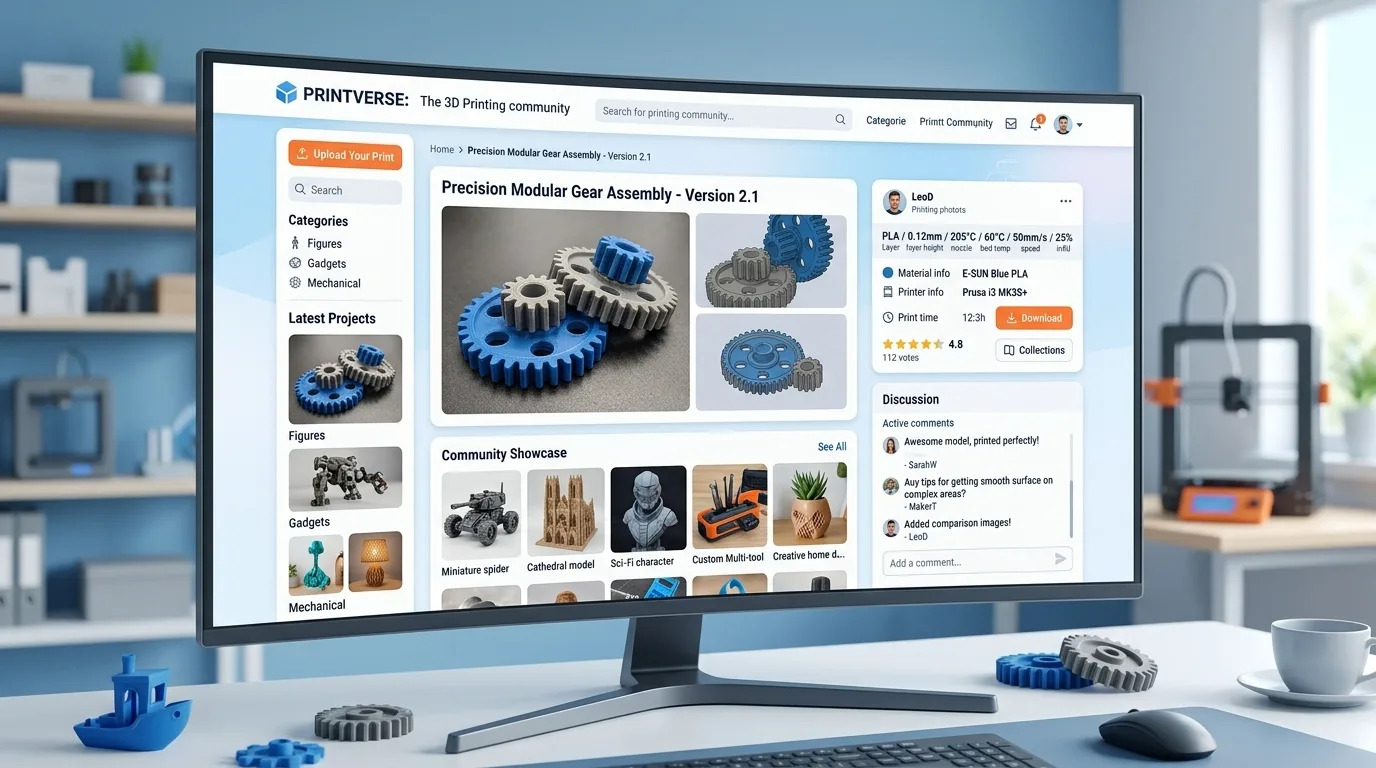
Printables is a very popular 3D printing model platform launched by Prusa. Compared with some traditional model sites, Printables has a more modern interface, better search and category browsing, and a highly active community. For users who care about model quality, print success rates, and creator interaction, it is a site worth bookmarking for the long term.
One clear feature of Printables is its relatively high model quality. Many creators provide detailed descriptions, including recommended materials, layer height, nozzle size, whether supports are needed, assembly methods, screw specifications, and more. For functional parts, tools, and assembly-based models, these details are very important and can significantly reduce trial-and-error.
The platform also places strong emphasis on real print feedback. Users can upload photos of their printed results and share settings and reviews. Before downloading a model, you can see not only the author’s renders, but also real results printed by other users with different printers and filaments. This is far more reliable than looking only at a model preview.
Printables also frequently hosts design contests and themed events, such as storage, holiday decorations, desktop tools, toys, and mechanical structures. These events attract creators to publish high-quality models, so the platform often features fresh, interesting, and practical designs.
Models worth looking for on Printables include:
- Home storage and desk organization tools;
- Printer upgrades and helper tools;
- Mechanical structures, gears, hinges, and snap-fit designs;
- Toys, buildable models, and educational models;
- Holiday decorations, lamps, and everyday accessories;
- Models suitable for multicolor printing or separated-part printing.
Printables is especially friendly to Prusa users, but it is not limited to Prusa printers. Most models can be used on other FDM printers as long as you adjust the slicing settings for your own machine. If you want to find models that are “more likely to print successfully,” Printables is usually a more reliable option than random searching.
---
7. MakerWorld: Bambu Lab’s One-Stop 3D Model Platform
MakerWorld is the 3D model platform launched by Bambu Lab, and it is especially suitable for users of Bambu Lab printers. Its core advantage is the tight integration of the model platform, slicing profiles, printer ecosystem, and multicolor printing workflow.
For Bambu Lab users, MakerWorld is extremely convenient. Many models provide not only STL or 3MF files, but also print profiles directly compatible with Bambu Studio. Users can view the compatible printer models, filament recommendations, print time, required colors, support settings, and more. In some cases, they can even start printing more quickly through mobile or cloud-based workflows.
MakerWorld is especially suitable for the following users:
- Users of Bambu Lab A1, A1 mini, P1P, P1S, and X1 series printers;
- Users who enjoy multicolor printing, especially with AMS or AMS lite;
- Beginners who want to reduce slicing setup time;
- Users looking for models that have already been verified by many others;
- Users who want a one-stop workflow for downloading, slicing, and print preparation.
MakerWorld has many models optimized for multicolor printing, such as badges, signs, decorative pieces, toys, light boxes, and character models. For users with AMS support, these models can take full advantage of multicolor printing. The platform also includes many practical models, such as storage boxes, tool racks, printer accessories, and everyday items.
That said, although MakerWorld is very friendly to Bambu Lab users, it does not mean users of other printers cannot use it. Many models can still be downloaded and processed in other slicers. However, if a model heavily relies on Bambu-specific profiles, multicolor settings, or a particular build plate size, users of other printers may need to make manual adjustments.
Overall, if you use a Bambu Lab printer, MakerWorld is almost an essential model website. If you are not a Bambu Lab user, it is still an excellent resource for finding high-quality multicolor models and popular creative designs.
---
8. Cults3D: A Designer Platform with Both Free and Paid Models
Cults3D is a 3D printing model platform that offers both free and paid models. Compared with traditional open-source communities, it places more emphasis on designer works, visual presentation, and commercial models. Many high-quality decorative pieces, figurines, art objects, designer toys, tools, and creative home models can be found here.
Cults3D’s strength lies in its strong sense of design. Many creators use it as a marketplace for selling original models, so the model images, detail design, and overall completeness are often quite polished. For users who want to print refined decorations, gifts, character models, vases, lamps, jewelry, or desktop display pieces, Cults3D is well worth browsing.
It offers both free and paid models. Free models are good for everyday downloads and experimentation, while paid models usually have a higher level of completion, better part separation, more detailed instructions, or commercial license options. For some professional designers and makers, buying a paid model can save much more time than modeling from scratch.
When using Cults3D, pay special attention to licensing terms. Because there are many paid models on the platform, designers usually specify copyright and usage rights clearly. Common conditions include:
- Personal printing only;
- No resale of digital files;
- No sale of printed products;
- An additional commercial license is required to sell finished prints;
- Personal modifications are allowed, but re-uploading or redistribution is not.
If you are only printing for your own collection, a personal-use license is usually sufficient. If you plan to print and sell products, make sure the license allows commercial use. Do not assume that “buying the model file” automatically gives you the right to sell physical prints, because digital file rights and printed-product rights are often separate.
Cults3D is especially suitable for finding the following types of models:
- Stylish home decor;
- Figurines, sculptures, and character models;
- Vases, lampshades, and artistic display pieces;
- Creative gifts and holiday decorations;
- Original models suitable for small-batch commercial printing;
- High-quality paid models split into printable parts.
Overall, Cults3D is more like a 3D printing marketplace for designers and consumers. If you want free practical parts, Printables and Thingiverse may be more direct. If you want models that are more refined, more original, and better suited for display or sale, Cults3D is especially appealing.