
Blog
Thingiverse: A Paradise for 3D Printing Enthusiasts
Explore Thingiverse, the top platform for free 3D printable models, with tips on searching, downloading, evaluating printability, and using community remixes.
1. Introduction to Thingiverse: A Global Platform for Sharing 3D Printable Models
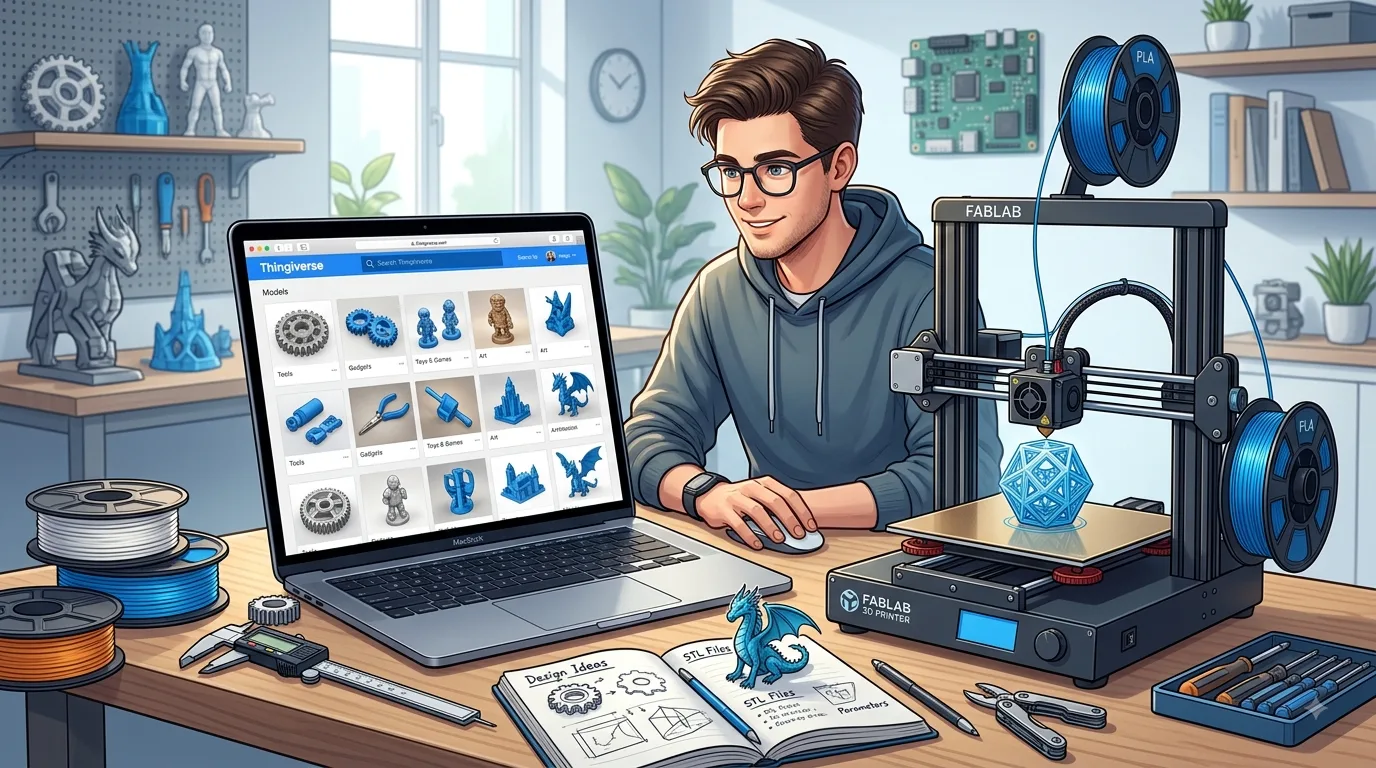
Thingiverse is a 3D printable model sharing platform for users around the world, and it is one of the most frequently visited websites for many 3D printing enthusiasts looking for open-source model resources. Whether you are a beginner who has just bought your first FDM 3D printer or an advanced user already familiar with modeling, slicing, and fine-tuning print settings, you can find a huge number of downloadable, printable, and customizable 3D models on Thingiverse.
The core value of the site is “sharing.” Users can upload 3D models they have designed, and they can also download works publicly shared by other creators. The model categories are extremely diverse, covering household items, desktop organizers, toys, tool accessories, mechanical structures, art pieces, educational models, tabletop gaming accessories, electronics project enclosures, and many other areas.
For many people, Thingiverse is more than just a model download site; it is more like a library of 3D printing inspiration. You may originally visit to look for a phone stand, only to discover cable organizers, camera accessories, keyboard feet, planters, wall hooks, or even robotic arm parts along the way. It changes 3D printing from “What can I print?” into “What problem do I want to solve?”
2. The Development of Thingiverse and Its Community Role
Thingiverse was launched by MakerBot and initially focused mainly on desktop 3D printer users. As personal 3D printers became more widespread, more and more creators began uploading their designs to the platform, and Thingiverse gradually grew into a globally recognized 3D model sharing community.
Its community positioning is very clear: it serves makers, designers, engineering hobbyists, teachers, students, and everyday 3D printer users, encouraging everyone to share manufacturable digital models. Unlike some more commercially oriented 3D model platforms, Thingiverse offers a large number of free models, and many works allow users to download, print, modify, and remix them.
Of course, different models use different licenses. Common licensing terms may allow personal use, permit modifications, require attribution, or prohibit commercial use. Before downloading and using a model, it is best to check the license information on the page, especially if you plan to sell printed items, distribute them for teaching, or display them publicly.
The significance of Thingiverse lies not only in providing model files, but also in helping drive the growth of desktop manufacturing culture. It allows ordinary users to download digital files and turn them into physical objects at home or in a workshop. This experience of going from an online model to a real-world object is exactly what makes 3D printing so appealing.
3. Why Thingiverse Is Called a Paradise for 3D Printing Enthusiasts
Thingiverse is often called a paradise for 3D printing enthusiasts first because of the sheer number of models it offers. You can find highly practical everyday gadgets as well as complex mechanical devices; educational toys suitable for children as well as prototype parts for engineering validation.
Second, models on Thingiverse are usually designed with printability in mind. Unlike general 3D modeling websites, many works here have been personally printed and tested by their creators. Model pages often include recommended print settings, such as layer height, infill percentage, whether supports are needed, suggested materials, and print orientation. This information is especially important for beginners and can help reduce the chance of failed prints.
Third, the Thingiverse community provides valuable practical references. Users can leave comments below model pages, share printing experiences, point out issues, and upload photos of their finished prints. Sometimes a model page itself may not include complete information, but the comments and user-submitted photos can provide crucial guidance.
In addition, Thingiverse has a strong “Remix” culture. A Remix can be understood as a modified version based on an original model. For example, one user may design a basic phone stand, while others create a wider version, a foldable version, a version with a charging cutout, or versions adapted for different phone models. This process of continuous improvement and mutual inspiration is part of the charm of open-source maker communities.
4. Creating a Thingiverse Account and Setting Up Your Profile
When browsing and downloading some models on Thingiverse, you can view page content even without registering an account. However, if you want to save models, follow creators, upload your own work, leave comments, or publish photos of your finished prints, creating an account is much more convenient.
The registration process is usually straightforward. After entering the website, you can click the sign-up or login option and follow the prompts to enter your email address, username, and password. Once email verification is complete, you can start using account features. It is a good idea to choose a username that is easy to recognize and suitable for long-term use, because it will appear on your profile, comments, and model pages.
After registration, you can further complete your personal profile. A profile usually includes an avatar, bio, location, personal website, or social media links. If you plan to share models over the long term, consider writing a short introduction, such as the design areas you specialize in, the printer model you use, your common materials, or the creative fields you focus on.
For creators, a clear profile helps build credibility. When others download your models, they are often more willing to try your designs if they see complete profile information, multiple projects, finished print examples, and active replies. For regular users, completing a profile also makes it easier to join community interactions and record your own printing journey.
5. Model Search Features and Keyword Search Tips
Thingiverse’s search function is the most common way to find models. You can enter keywords into the search bar, such as “phone stand,” “cable holder,” “dragon,” or “tool organizer,” and the system will display related model results.
Since Thingiverse is an international platform, English keywords usually produce more accurate results than non-English terms. Therefore, even if English is not your first language, it is generally best to search in English. For example:
- Phone stand: phone stand
- Cable storage: cable organizer
- Headphone rack: headphone stand
- Flower pot: planter
- Remote control stand: remote holder
- Desktop storage: desk organizer
- Raspberry Pi enclosure: raspberry pi case
- Arduino enclosure: arduino case
When searching, try different synonyms. If you are looking for a “box,” you can search for box , case , container , or enclosure ; if you want a “support,” try stand , holder , mount , or bracket . Different creators use different naming habits, so trying several keywords often reveals more results.
You can also search with specific model names. If you are looking for accessories for a certain camera, headset, keyboard, or development board, entering the brand or model directly is more effective, such as GoPro mount , iPhone stand , Ender 3 upgrade , or Raspberry Pi 4 case . This approach is especially common when searching for 3D printer upgrades.
6. Browsing 3D Printable Model Resources by Category
In addition to direct search, browsing by category is another important way to discover great models. Models on Thingiverse are usually grouped into different categories, making it easier for users to explore resources based on their interests.
Common categories include art, tools, home, fashion, toys and games, education, model engineering, electronics accessories, and more. Each main category may also include more specific subcategories. For example, in the home category, you may find kitchen items, storage tools, decorative objects, and lighting accessories; in the toys category, you may find building toys, board game components, model cars, and character figures.
The advantage of browsing by category is that it can spark inspiration. Many times, you may not have a specific item in mind to print and simply want to see what interesting things other people have made. By browsing popular categories, newly uploaded models, or featured designs, you can discover creative ideas you might never have thought of on your own.
If you are a beginner, it is best to start with small practical items, such as hooks, clips, storage boxes, cable clips, or printer tool holders. These models are usually compact, have shorter print times, and have relatively low requirements for supports and precision, making them suitable practice projects.
If you already have some experience, you can try mechanical parts, articulated models, gear mechanisms, or multi-part assemblies. These projects place higher demands on print accuracy, material selection, and post-processing, and they also better showcase the fun of making things with 3D printing.
7. How to Evaluate Model Quality and Printability
On Thingiverse, not every model is suitable for downloading and printing directly. Learning how to judge model quality and printability is a skill every 3D printer user should develop.
First, look at the model images. A good model page usually displays multiple images, including renders, photos of actual prints, detail shots from different angles, and assembled views. If there is only one render and no real print photos, you should evaluate it carefully, because the model may not have been tested in actual printing.
Second, check the number of downloads, saves, and likes. Although these metrics do not fully represent quality, popular models are usually validated by more users and are less likely to have serious issues. Models with high download counts, positive comments, and many user-uploaded makes are generally more worth trying.
Third, read the model description. Good creators clearly list printing recommendations, such as:
- Recommended layer height
- Recommended infill percentage
- Whether supports are required
- Whether a raft or brim is needed
- Recommended material type
- Number of parts and assembly method
- Whether the dimensions need scaling
- Whether screws, magnets, or other hardware are required
If the description is too brief and the model structure is complex, it is best to inspect it in slicing software before printing.
You should also watch for obvious issues in the model itself, such as excessive overhang angles, details that are too fine, insufficient wall thickness, gaps between parts that are too small, or a bottom surface with too little contact area. For FDM printing, these issues can lead to warping, stringing, hard-to-remove supports, assembly failure, or broken details.
After downloading, you can preview the toolpath in slicing software to check for missing layers, floating sections, thin walls that cannot be printed, and other problems. If the software indicates that the model is not watertight or complete, you can try using a repair tool to fix it.
8. Understanding a Model Page: Files, Descriptions, Images, and Comments
A Thingiverse model page usually consists of several key sections. Understanding these areas can help you use model resources more efficiently.
First, there is the title and author information. The title helps you quickly understand the purpose of the model, while the author information lets you visit the creator’s profile and view their other works. If you find that a creator has a design style and print quality you like, you can follow them to receive future updates more easily.
Next is the image section. Images not only show the final appearance, but also help you judge the model’s size, structure, use case, and surface quality after printing. Real photos are more useful than renders because they show how the model performs under actual printing conditions.
Then comes the model description. This section usually includes the design background, use case, print settings, assembly steps, and important notes. For multi-part models, the description is especially important. If the creator provides an assembly order, screw specifications, or post-processing suggestions, be sure to read them carefully.
The next section is the file area. Common file formats include STL, OBJ, and 3MF, with STL being the most common format for 3D printable models. After downloading, you can import the files into slicing software such as Cura, PrusaSlicer, Bambu Studio, or OrcaSlicer, then adjust settings based on your printer and material.
The comments section is also not to be overlooked. Many users share printing issues in the comments, such as mismatched dimensions, a part that is too tight, the need to rotate the model before printing, or suggestions to add supports. This information is often more closely tied to real-world use than the model description itself.
Some pages also show user-uploaded makes and Remix versions. Finished print photos can help you evaluate printing results, while Remixes may offer improved versions that better match your needs. Before downloading, it is worth spending a few minutes looking through this content, as it can often help you avoid repeating common mistakes.
Overall, Thingiverse is a platform that 3D printing enthusiasts can use for the long term. It not only provides a vast library of model resources, but also connects creators and printer users around the world. As long as you master search techniques, learn how to evaluate model quality, and make good use of descriptions and comments, you can find a steady stream of printing inspiration on the platform.