
Blog
How to Store 3D Printer Filament
Learn how to store 3D printer filament to prevent moisture, improve print quality, reduce clogs, and extend the lifespan of PLA, PETG, TPU, nylon, and more.
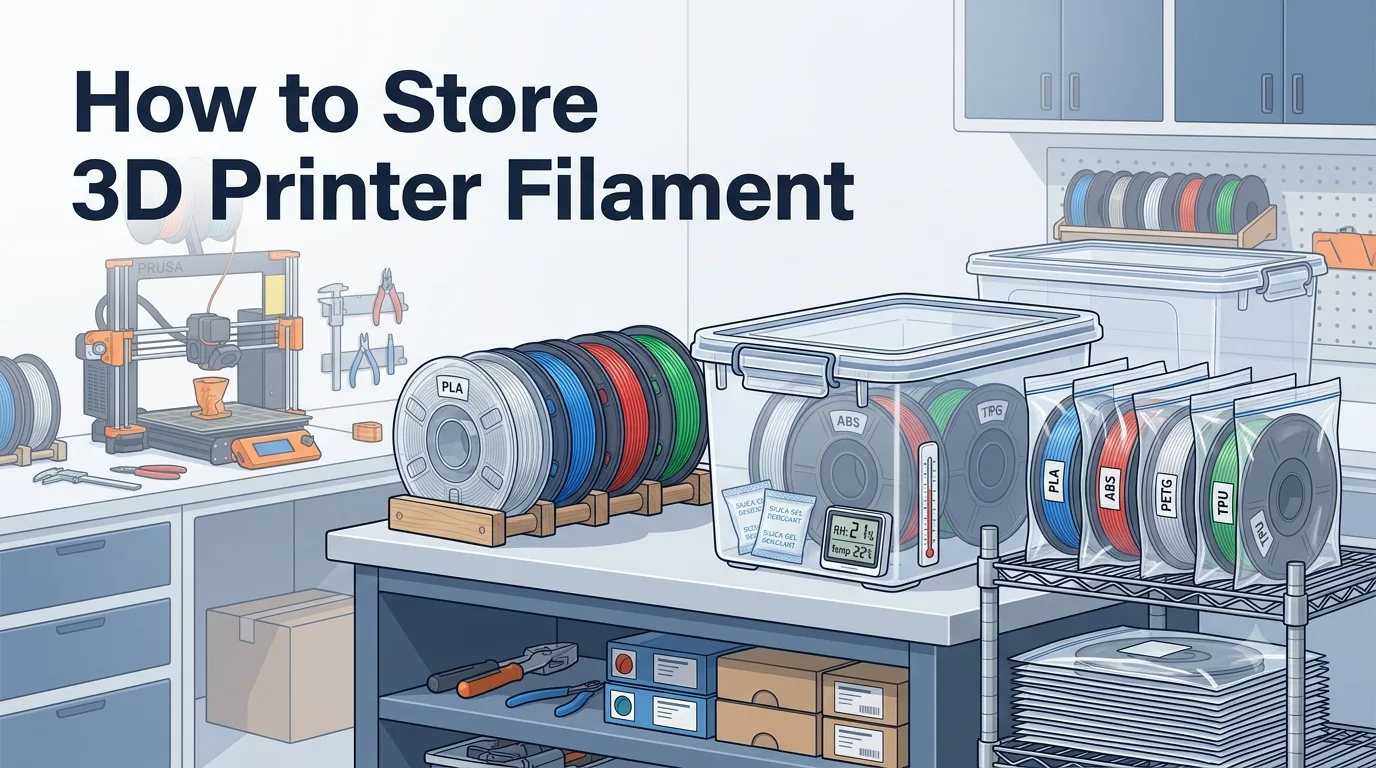
3D printer filament may look like nothing more than a spool of plastic, but how you store it directly affects print success rates, surface quality, and the long-term reliability of your printer. Common materials such as PLA, PETG, TPU, nylon, and others are hygroscopic to varying degrees. If filament is exposed to humid air for too long, it can lead to stringing, bubbles, poor layer adhesion, nozzle clogs, and other print issues.
That means proper filament storage is not just a minor detail—it is an important foundation for consistent 3D printing.
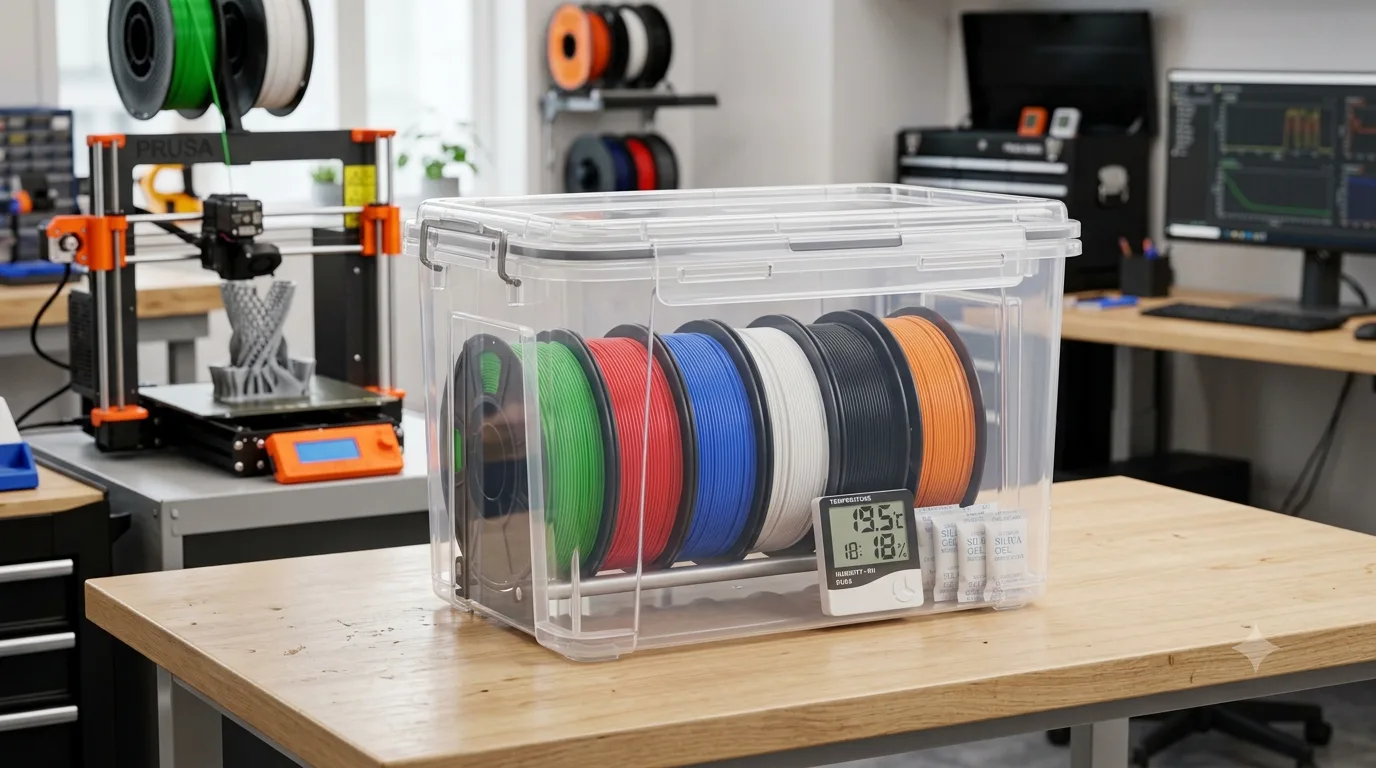
Why Proper 3D Filament Storage Matters
After production, 3D printer filament is usually dried and sealed in packaging. Once the package is opened, however, the filament continuously comes into contact with the surrounding air. Moisture in the air gradually works its way into the filament, and this happens even faster during rainy seasons, in coastal areas, basements, or high-humidity workshops.
Good storage habits offer several benefits:
- Fewer failed prints: Dry filament extrudes more consistently, reducing filament breaks, clogs, and warping.
- Better surface quality: Helps prevent bubbles, pitting, stringing, and rough surfaces.
- Protection for the nozzle and extrusion system: Wet filament can cause unstable extrusion, increasing the risk of carbon buildup and nozzle blockages.
- Longer filament lifespan: Unused filament can maintain good printability for a long time when stored properly.
- Lower material costs: Prevents entire spools from becoming unusable due to severe moisture absorption.
Many beginners leave filament next to the printer for convenience. But in humid environments, filament can absorb noticeable moisture within just a few days to a few weeks. For users who print often or keep several material types on hand, setting up a reliable filament storage system is well worth it.
Moisture Absorption of Common 3D Printing Filaments
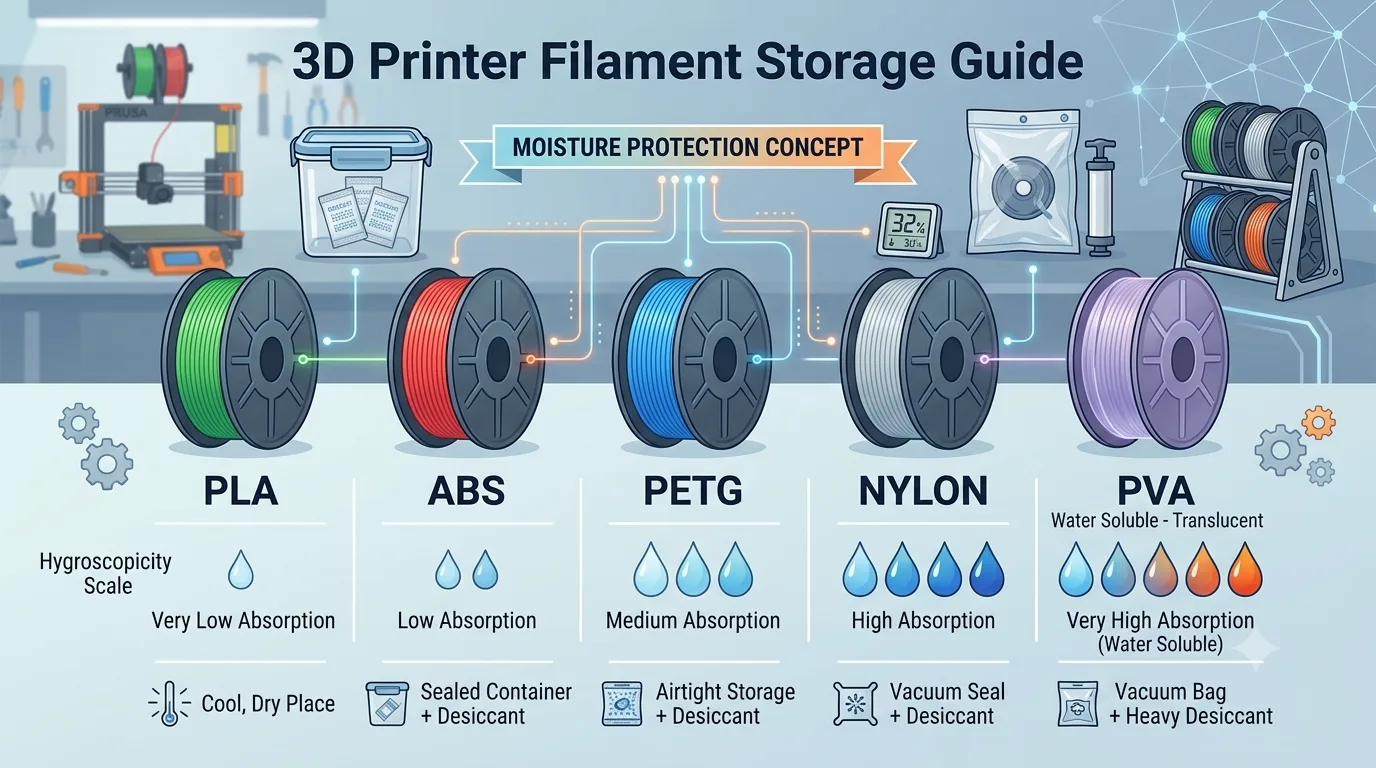
Different types of 3D printing filament absorb moisture at different rates. Some materials are relatively forgiving, while others are highly sensitive to humidity. Understanding material behavior helps you choose the right storage method.
PLA
PLA is the most common beginner-friendly material and has moderate moisture sensitivity. Although PLA does not absorb water as aggressively as nylon, long-term exposure to humid air can still make it brittle and cause bubbles or stringing during printing.
In general, PLA should be stored in a sealed bag, airtight container, or dry cabinet after opening. If you live in a low-humidity area, short-term exposure is usually not a big problem, but leaving it out for long periods is not recommended.
PETG
PETG absorbs moisture more readily than PLA. Wet PETG often produces noticeable stringing, small surface bubbles, and inconsistent extrusion sounds. Since PETG is already prone to stringing during printing, absorbed moisture can make print quality even worse.
After opening, PETG should be kept sealed whenever possible and stored with desiccant.
TPU
TPU is a flexible material and typically absorbs moisture quite easily. Wet TPU often causes heavy bubbling, uneven extrusion, and rough surface texture.
Because TPU is soft and already demands more from the extrusion system, moisture makes it even harder to print. TPU is best stored in sealed bags, vacuum bags, or an electronic dry box.
ABS
ABS generally absorbs less moisture than PETG and nylon, but that does not mean it can be stored casually. Long-term exposure to humid conditions can still affect print stability.
With ABS, temperature and ventilation are also important. Avoid direct sunlight and high-temperature environments while keeping the filament dry.
Nylon
Nylon is one of the most moisture-sensitive 3D printing materials. It can absorb moisture from the air in a relatively short time. Even if it looks unchanged, wet nylon may cause severe bubbling, popping sounds, and reduced part strength during printing.
Nylon should be stored under strict airtight conditions and often needs to be dried before printing. For nylon, a standard sealed bag with desiccant only provides basic protection. A dry box or dedicated filament dryer is strongly recommended.
PC, PVA, and Other Specialty Materials
Materials such as PC and PVA are also sensitive to humidity. PVA, in particular, is a water-soluble support material that can absorb moisture and even soften when damp, so it must be stored very carefully in an airtight container.
These materials are often more expensive, so poor storage can lead to significant waste. After opening, place them in a sealed container right away and use desiccant or an electronic dehumidifying solution.
How Wet Filament Affects Print Quality
When filament absorbs moisture, the most obvious signs usually appear during printing. Moisture rapidly turns into steam inside the hot nozzle, disrupting the stable extrusion of molten plastic.
Common effects include:
Popping or Crackling Sounds During Printing
If you hear constant popping, crackling, or snapping sounds near the nozzle while printing, moisture inside the filament is likely vaporizing under heat. This is one of the classic signs of wet filament.
Bubbles and Pitting on the Model Surface
Models printed with wet filament may show tiny holes, bubbles, rough textures, or irregular bumps. These defects reduce the appearance quality of the print, especially for decorative pieces, enclosures, and display models.
Increased Stringing and Oozing
Materials such as PETG and TPU are more likely to string when wet. Even adjusting retraction settings may not fully solve the problem. In this case, the issue is often not the slicer settings but the condition of the filament.
Weaker Layer Adhesion
Moisture can interfere with melting and cooling, making layer bonding less stable. Printed parts may become more brittle and prone to cracking, especially functional parts and load-bearing components.
Uneven Extrusion or Nozzle Clogs
Wet filament can cause unstable melting, intermittent under-extrusion, broken surface lines, nozzle clogs, and other problems. Using poor-condition filament over time can also increase carbon buildup and maintenance frequency.
If the same printer with the same settings suddenly produces much worse prints, check whether the filament has absorbed moisture before making major changes to slicer parameters.
Ideal Conditions for Storing 3D Filament
The core goals of filament storage are: low humidity, stable temperature, protection from light, and dust prevention.
Humidity Control
Ideally, the relative humidity of a filament storage area should be kept around 20%–40%. For highly hygroscopic materials such as nylon, PVA, and PC, lower humidity is better.
If the ambient humidity stays above 60% for long periods, storing filament in the open becomes risky. At minimum, use sealed bags with desiccant, or switch to a dry storage box.
Temperature Control
Most filaments should be stored in a cool, dry location with stable temperature. As a general rule, avoid long-term storage above 30°C / 86°F.
In particular, avoid placing filament:
- By a window in direct sunlight
- Next to a radiator or heater
- Inside a hot car
- Near equipment that gives off heat
High temperatures can deform the filament, warp the spool, or even cause the filament to stick together or change dimensions.
Avoid Direct Sunlight
UV exposure and heat accelerate material aging. Filament exposed to sunlight for long periods may become brittle, discolor, or lose performance. It is best to store filament in a dark or low-light environment.
Keep Dust Away
Dust can stick to the filament surface and travel into the nozzle, increasing the risk of clogs. Keep packaging clean during storage and avoid leaving filament exposed on dusty workbenches.
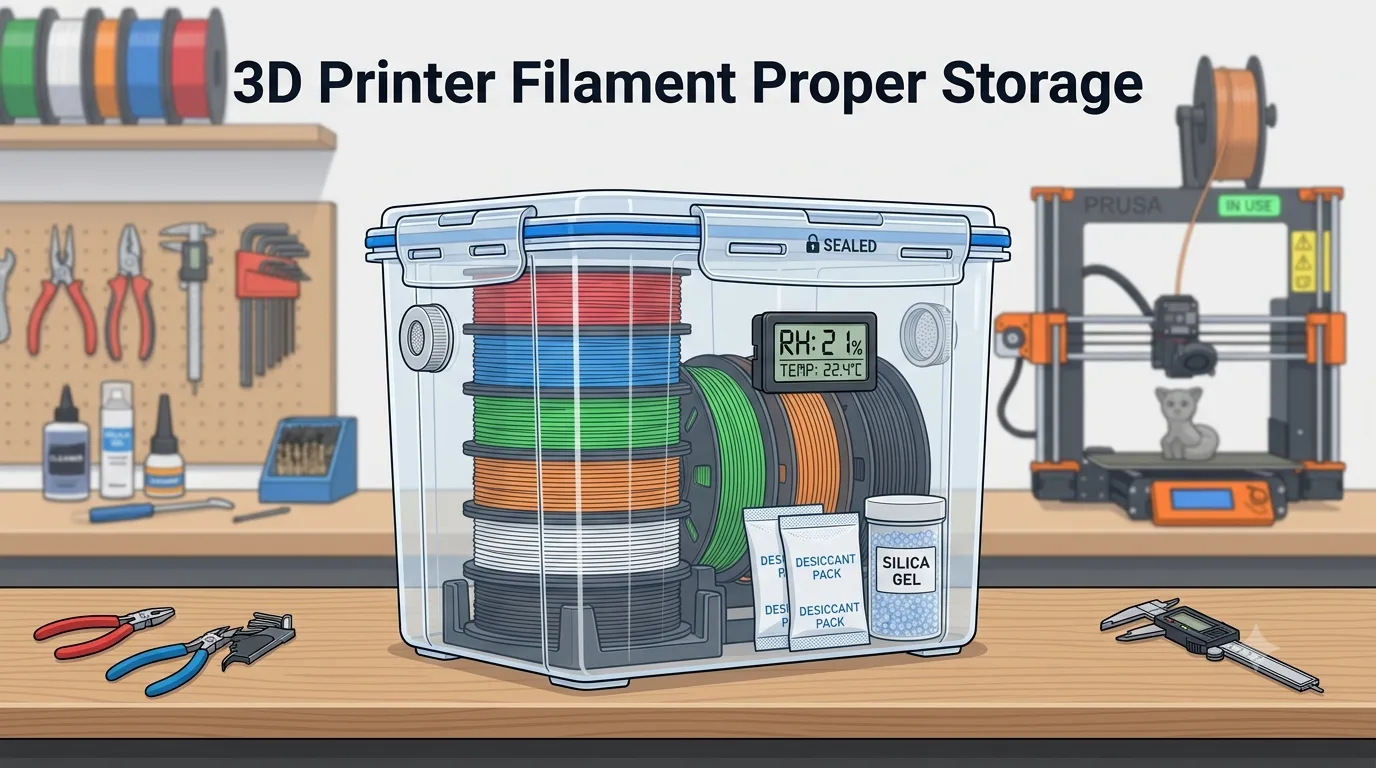
Checking and Cleaning Filament Before Storage
Before placing filament into a sealed bag, vacuum bag, or dry box, it is a good idea to inspect and clean it briefly. This helps prevent dust, moisture, or damaged filament from being sealed inside.
Check the Filament’s Appearance
First, inspect the filament for the following issues:
- Noticeable whitening or discoloration
- Brittleness or easy breakage
- Obvious diameter irregularities
- Crossed, tangled, or knotted filament
- A damp, warped, or damaged spool
If the filament has become severely brittle or print quality has clearly declined, dry it first and run a test print before deciding whether to keep using it.
Secure the Filament End
Many print problems are not caused by the material itself but by loose filament crossing over itself and tangling on the spool. After each use, insert the filament end into the spool’s side hole or secure it with a filament clip.
This prevents the filament from unwinding or knotting and reduces the chance of feeding issues or filament breaks during the next print.
Remove Surface Dust
If filament has been sitting out for a while, gently wipe the outer filament with a clean lint-free cloth. Do not use a wet cloth, and avoid oil-based or alcohol-based cleaners directly on the filament.
For filament that has been exposed for a long time, you can also install a filament cleaning sponge near the printer’s feed path to reduce the amount of dust entering the nozzle.
Decide Whether Drying Is Needed
If the filament shows any of the following signs, dry it before sealing it for storage:
- Popping sounds during printing
- Bubbles or pitting on the print surface
- Sudden increase in stringing
- Filament does not feel dry to the touch
- Filament has been exposed to high humidity for a long time
Keep in mind that different materials require different drying temperatures. Do not simply bake filament at high heat. PLA, for example, has relatively low heat resistance and may soften or deform if dried at too high a temperature.
How to Use Sealed Bags and Vacuum Bags
Sealed bags and vacuum bags are among the most common and affordable filament storage options, making them suitable for most home users and small workshops.
Standard Sealed Bags
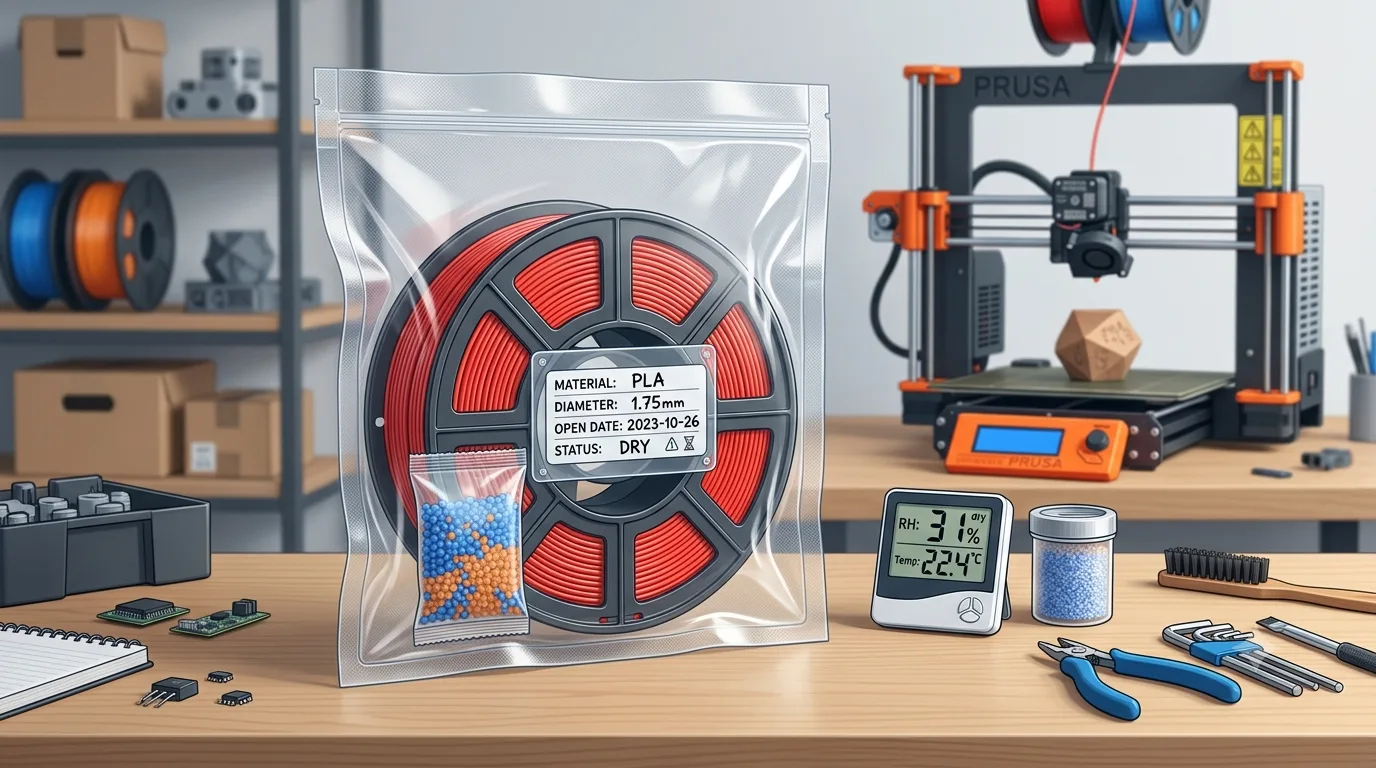
Standard resealable bags are easy to use and suitable for short- to medium-term storage. Follow these steps:
- Secure the filament end to prevent unwinding.
- Place an appropriate amount of desiccant next to the spool.
- Put the entire spool into the sealed bag.
- Squeeze out as much air as possible.
- Press the seal closed completely, making sure there are no gaps.
- Add a label to the outside with the material type, color, and date opened.
Standard sealed bags are inexpensive, convenient, and reusable. However, they cannot remove all the air and may not maintain low humidity for long periods, so they are better suited for less sensitive materials such as PLA and ABS.
Vacuum Bags
Vacuum bags remove most of the air inside the bag and usually provide better moisture protection than standard sealed bags. They are especially useful for PETG, TPU, nylon, and similar materials.
When using vacuum bags, keep these points in mind:
- Add desiccant before vacuum sealing.
- Make sure spool edges do not puncture the bag.
- After sealing, check whether the bag re-inflates, which may indicate a leak.
- Check the vacuum regularly. If the bag expands, reseal it or replace it.
Vacuum bags are not a permanent, maintenance-free solution. Over time, the bag material and seal can still leak slightly, so regular inspection is important.
Label Management
If you own multiple spools, it is worth building a labeling habit. Labels can include:
- Material type: PLA, PETG, TPU, etc.
- Brand and color
- Recommended nozzle temperature
- Recommended bed temperature
- Date opened
- Whether it has been dried
- Most recent drying date
This makes it easier to find the right spool and helps you decide whether a filament needs to be dried again.
Choosing Desiccant and When to Replace It
Desiccant is an important support tool for filament storage. It absorbs moisture inside sealed spaces and helps maintain low humidity.
Common Types of Desiccant
Silica Gel Desiccant
Silica gel is the most common type of desiccant. It is inexpensive and easy to use. Many filament packages include a small packet of silica gel.
Some silica gel desiccants include color indicators that change after absorbing moisture, making it easier to tell when they need to be regenerated or replaced.
Molecular Sieve Desiccant
Molecular sieve desiccant has stronger moisture absorption and is suitable for materials that require very low humidity, such as nylon, PVA, and PC. It usually costs more than standard silica gel but provides more stable drying performance.
Calcium Chloride Desiccant
Calcium chloride absorbs moisture very effectively, but it may turn into liquid after absorbing water, so it should not come into direct contact with filament or spools. If you use this type of desiccant, make sure the packaging is intact and prevent leakage from contaminating the filament.
For 3D printer filament storage, silica gel or molecular sieve desiccant is generally the better choice.
How Much Desiccant to Use
The right amount of desiccant depends on the size of the sealed space, ambient humidity, and material type. For a single 1 kg spool, a few dozen grams of silica gel is usually enough for basic moisture protection. In humid regions or for highly hygroscopic materials, use more.
If you store multiple spools together in an airtight container, increase the amount of desiccant according to the container volume and monitor humidity with a hygrometer.
Replacement Schedule
Desiccant does not work forever. Once it becomes saturated with moisture, it can no longer absorb more effectively.
General recommendations:
- In standard sealed bags: check every 1–3 months.
- In high-humidity areas: check every 2–4 weeks.
- In dry storage boxes: replace based on hygrometer readings.
- For color-indicating desiccant: regenerate or replace it when the color change is obvious.
Regenerating Desiccant
Some silica gel desiccants can be regenerated by heating. A common method is to dry them at low temperature in an oven or dedicated drying device so the absorbed moisture is released.
Important precautions:
- Confirm whether the desiccant packaging is heat-resistant.
- Do not place non-heat-resistant packets directly into an oven.
- Avoid using the same oven for food.
- Follow the desiccant manufacturer’s instructions for temperature and time.
If you are not sure whether a desiccant can be regenerated, the safest option is to replace it with a new one.
Using Dry Boxes and Electronic Dry Cabinets
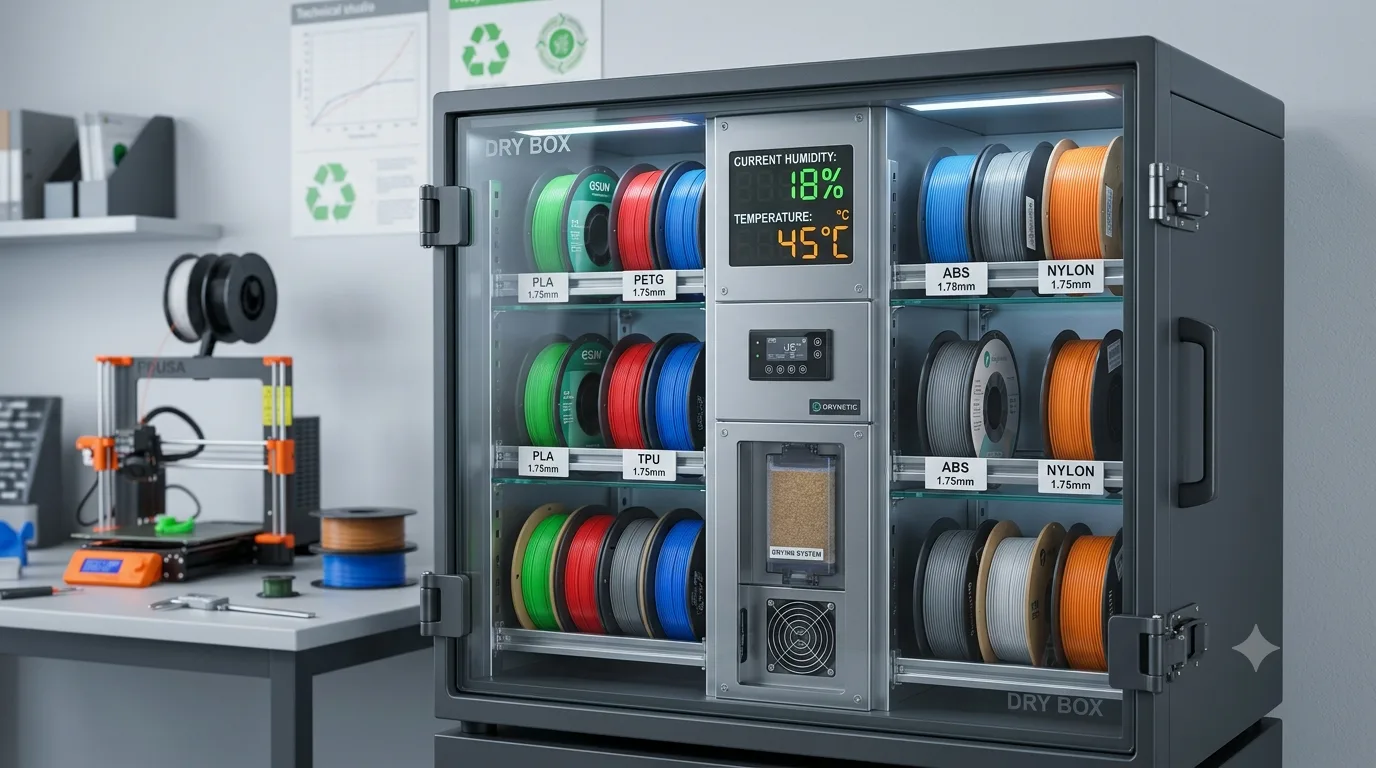
For users with many spools, multiple material types, or a humid local climate, dry boxes and electronic dry cabinets are more convenient and stable than standard sealed bags.
Basic Dry Boxes
A basic dry box is usually a plastic storage container with a sealing gasket, desiccant, and a hygrometer inside. Its advantages are low cost and large capacity, allowing multiple spools to be stored at once.
When using a basic dry box:
- Choose a container with a good seal.
- Add enough desiccant inside.
- Use a hygrometer to track humidity changes.
- Sort different materials when possible.
- Avoid opening the lid too often, which lets humid air in.
This method works well for common materials such as PLA, PETG, ABS, and TPU. If storing nylon or PVA, use more desiccant and check humidity more frequently.
Electronic Dry Cabinets
Electronic dry cabinets automatically control internal humidity. They are commonly used for camera gear but are also suitable for 3D printing filament. Their main advantage is more stable humidity control without frequent desiccant replacement.
Electronic dry cabinets are suitable for users who:
- Own many filament types or high-value materials
- Store nylon, PC, PVA, and similar materials long-term
- Live in areas with consistently high humidity
- Want to reduce maintenance work
- Need highly reliable print performance
When choosing an electronic dry cabinet, consider capacity, humidity control range, sealing quality, power consumption, and interior layout.
Filament Dryers
A filament dryer is different from a dry box because it can actively heat and dry the filament. Some filament dryers support printing while drying, which is useful for moisture-sensitive materials such as PETG, TPU, and nylon.
When using a filament dryer, pay attention to the correct temperature range for each material. For example:
- PLA: usually requires a lower drying temperature to avoid softening or deformation.
- PETG: can be dried at a moderate temperature.
- TPU: temperature should be set according to the brand’s recommendation.
- Nylon: usually requires a higher temperature and longer drying time.
Always refer to the filament manufacturer’s recommended temperature and drying time, as different brands and formulations may vary.
Which Storage Method Is Right for You
If you only print PLA occasionally, a standard sealed bag with desiccant is usually enough.
If you often use PETG or TPU, a vacuum bag or airtight storage box is recommended.
If you use nylon, PVA, PC, or similar materials, an electronic dry cabinet or filament dryer is a better choice.
If you have many spools, set up a dedicated storage area and manage them with labels and hygrometers.
Conclusion
The key to storing 3D printer filament can be summed up in two words: sealed and dry. In practice, the best storage method depends on the material type, local humidity, and how often you print.
For most users, a good basic storage routine is:
- Secure the filament end after use.
- Place the spool in a sealed bag or vacuum bag.
- Add enough desiccant.
- Keep it away from direct sunlight and high temperatures.
- Check humidity and filament condition regularly.
- Dry wet filament before printing with it.
With good storage habits, filament can stay in stable printing condition for a long time, and print quality will be more reliable. For 3D printing, storing filament properly is not extra work—it is an important step toward improving success rates and reducing waste.